
Built-in features
Shopify mobile app features: everything a TicApp build ships with.
TicApp turns your Shopify store into a native mobile app built to convert — with a rich customization system, Reels Commerce and a push notification channel you own. Where a feature can be seen in an app we have already shipped, that app is named beside it.
01
Mobile app core
The app itself — native on both platforms, connected to the store you already run.
-
Native iOS and Android app
A real app on both stores, not a website in a wrapper. It loads from the device rather than over the network on every tap, which is most of why it feels faster than your mobile site.
-
Shopify checkout
Checkout is Shopify checkout. Your payment providers, taxes, discounts and shipping rules behave exactly as they do on the web, because they are the same rules.
-
Fast mobile checkout
Fewer steps between wanting the thing and having bought it. Saved details mean the second purchase is not the first purchase all over again.
-
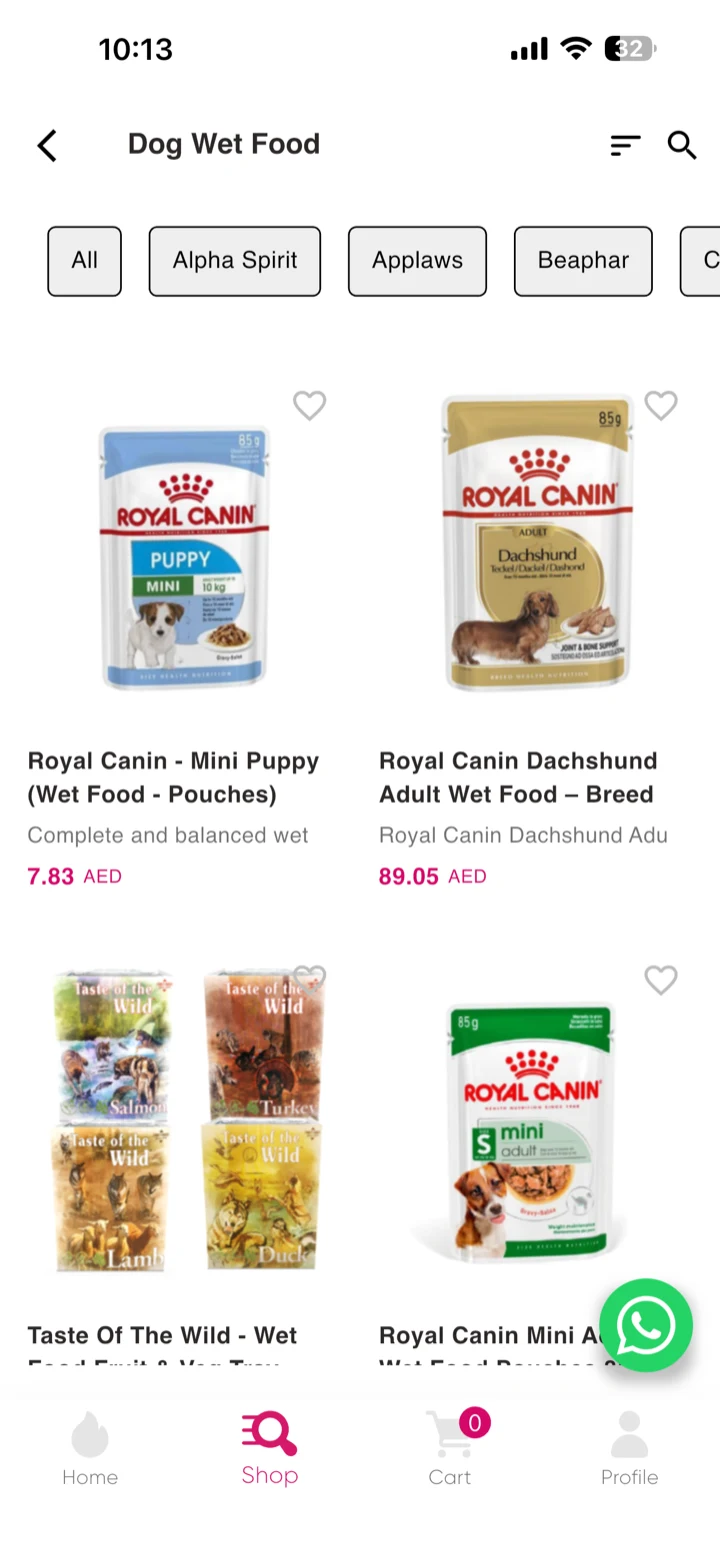
Customer accounts Live in Pets Lounge
The customer stays signed in. Cart, wishlist and order history survive between visits instead of expiring with the browser session.
02
Shopify connection
One system of record. No duplicate work, and no second catalogue to keep honest.
-
Simple sync
Products, collections, inventory and orders move across on their own. There is nothing to re-enter and nothing to reconcile at the end of the week.
-
One dashboard
You keep using Shopify as your main system. Orders placed in the app appear directly in your Shopify admin, alongside the web orders.
-
Always up to date
Update the store and the app follows — products appear instantly, stock stays accurate, and a price change reflects without anyone republishing anything.
03
App customization
Five decisions, in the order we make them with you.
-
01
Your identity
Before a single layout is chosen.
Logo, brand colours and typeface, applied across every screen. This is the step that decides whether the finished app looks like yours or like a template wearing your logo — and everything after it inherits the answer.
- Brand colours
- Typography
- Logo and app icon
- Launch screen
Aa Your palette, your typeface — set once, applied everywhere. -
02
The home screen
The screen that decides whether the app gets a second open.
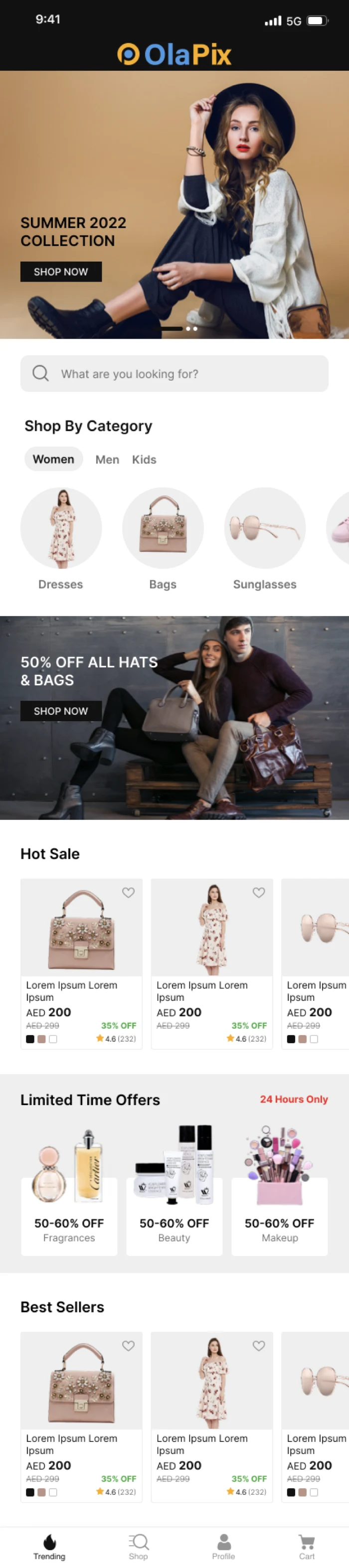
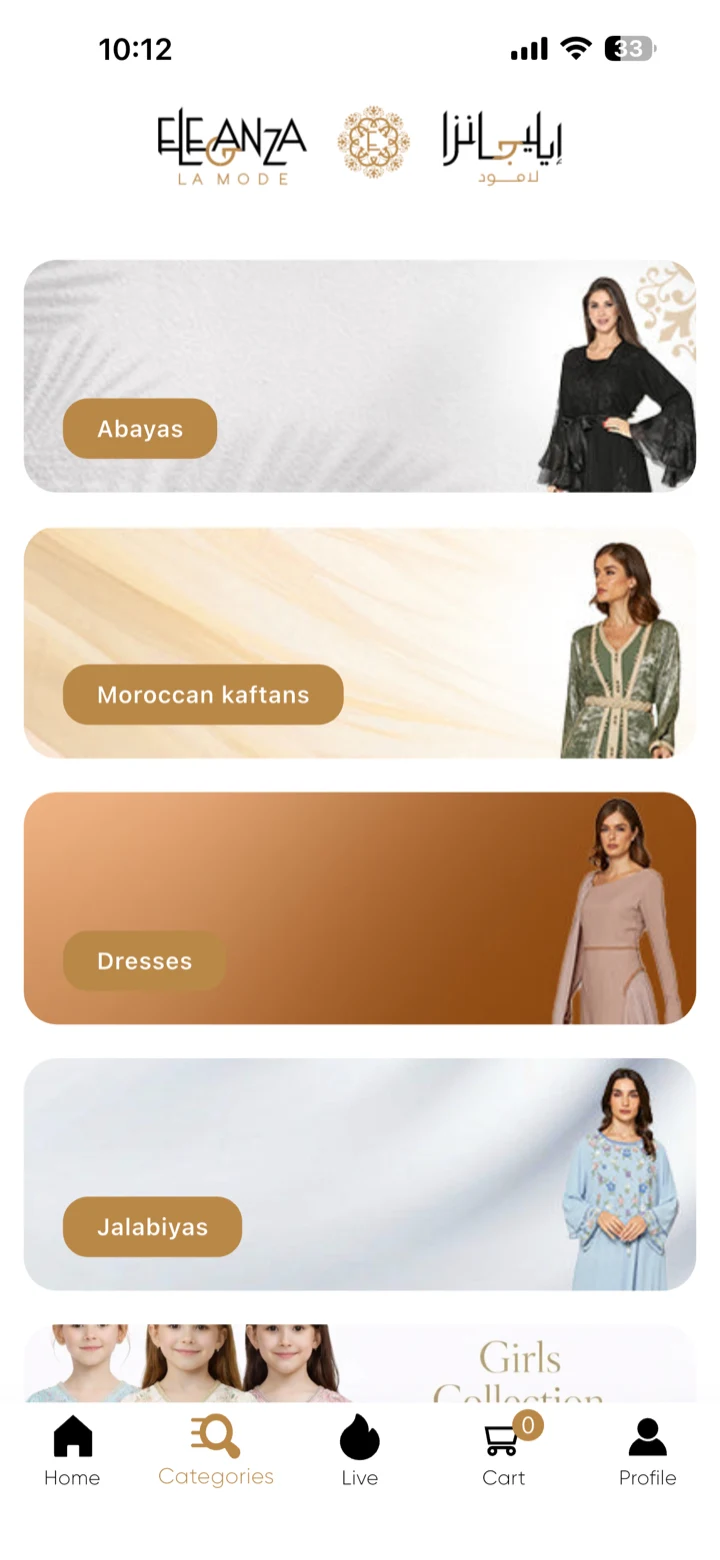
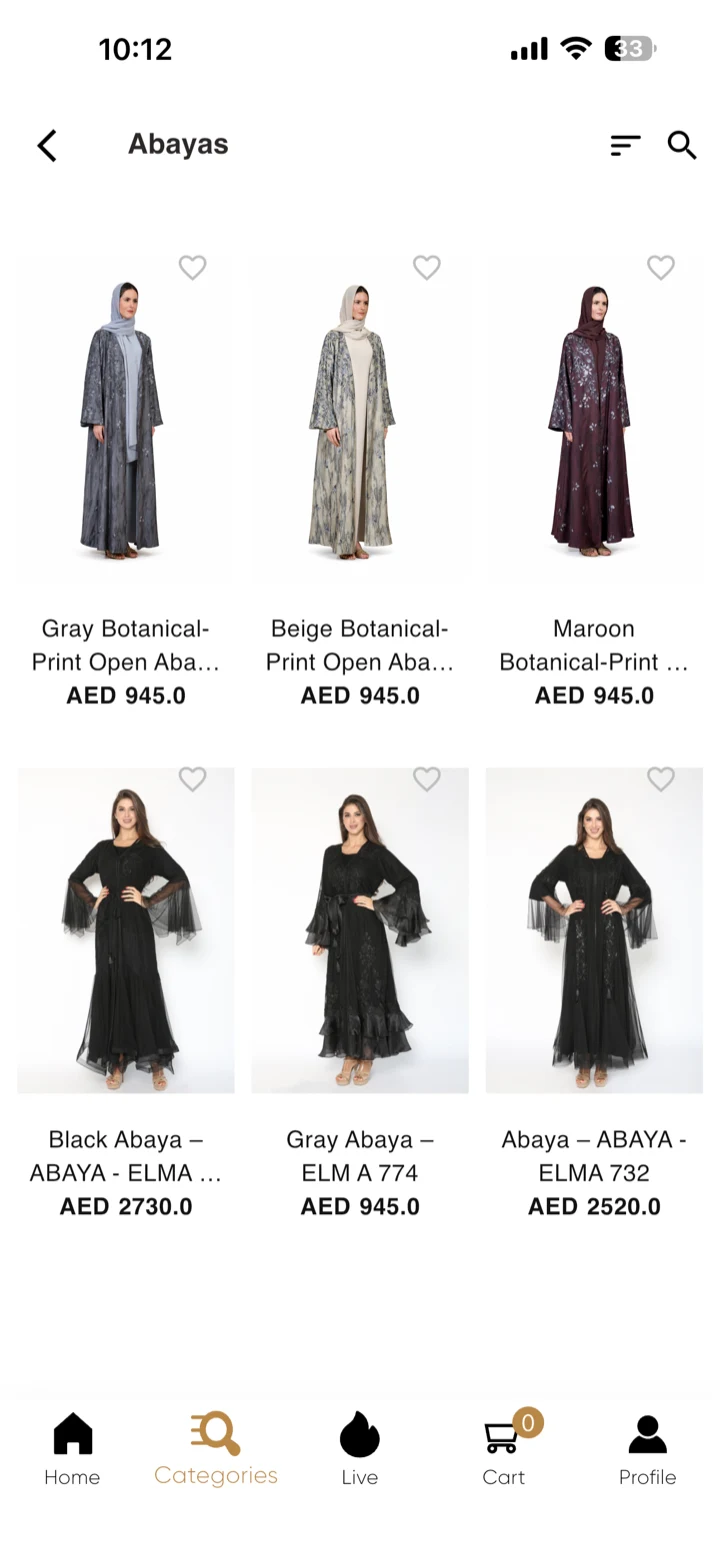
Four directions for the same catalogue. An editorial layout leads with one full-bleed image; a campaign layout leads with the offer; a collection layout gives each collection its own photographic card; a new-arrivals layout puts product straight under the hero. Which is right depends on whether you sell drops, seasons, collections or staples.
- Editorial
- Campaign-led
- Collection cards
- New arrivals first
Editorial 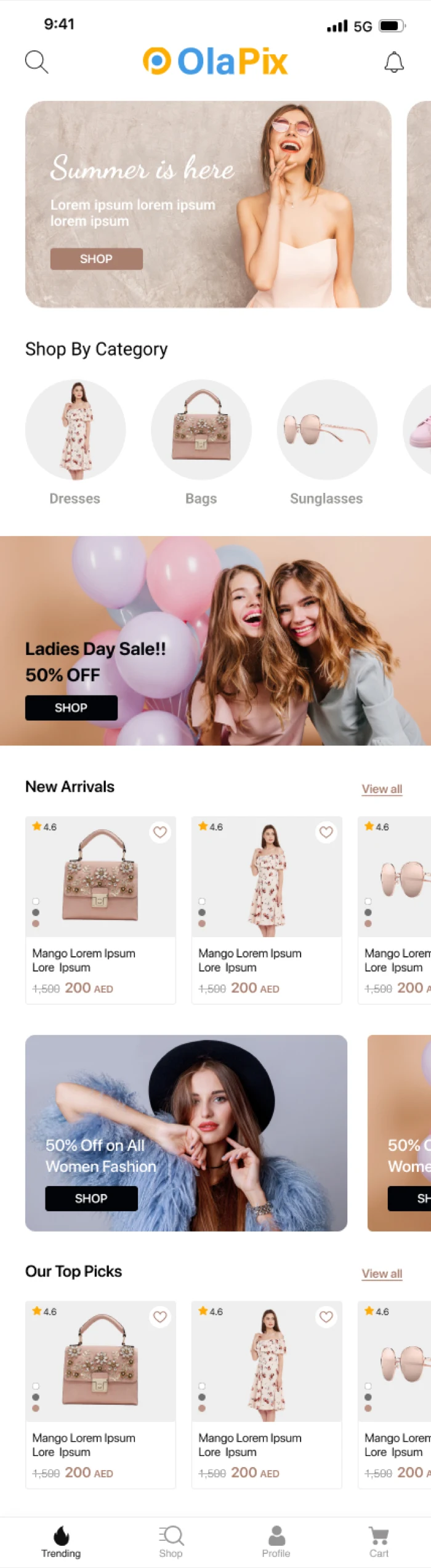
Campaign-led 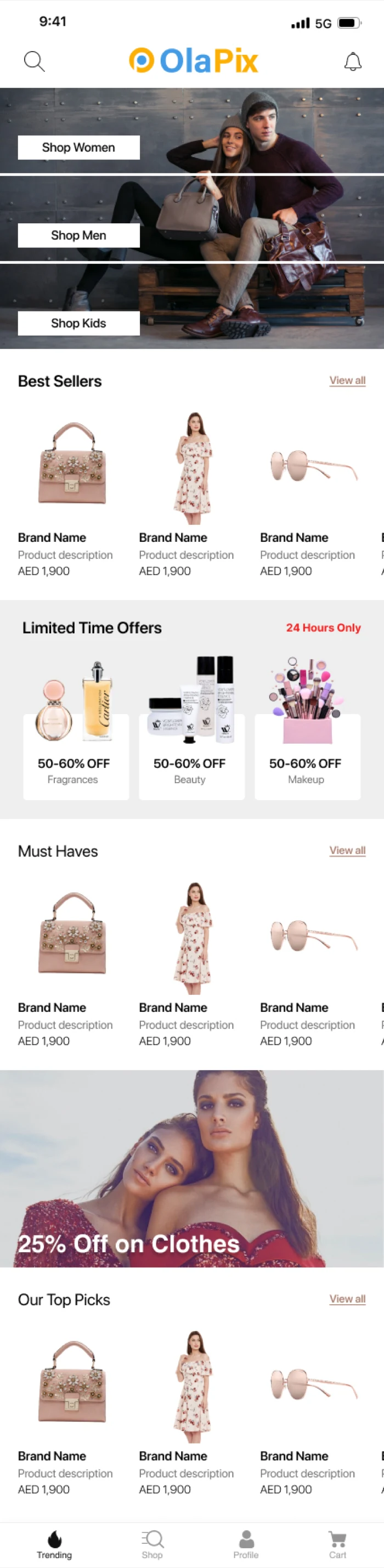
Collection cards 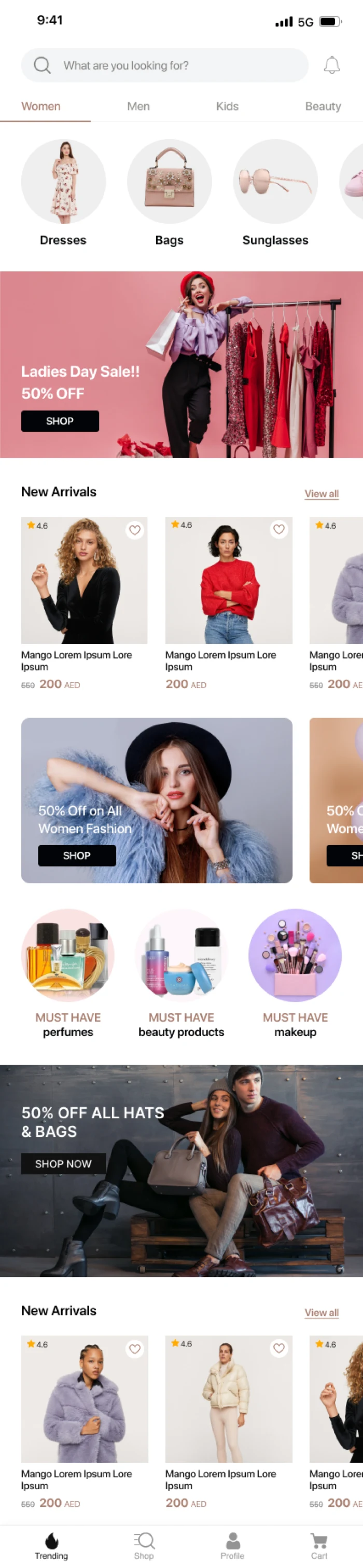
New arrivals first -
03
The category screens
How deep your catalogue is decides how this should look.
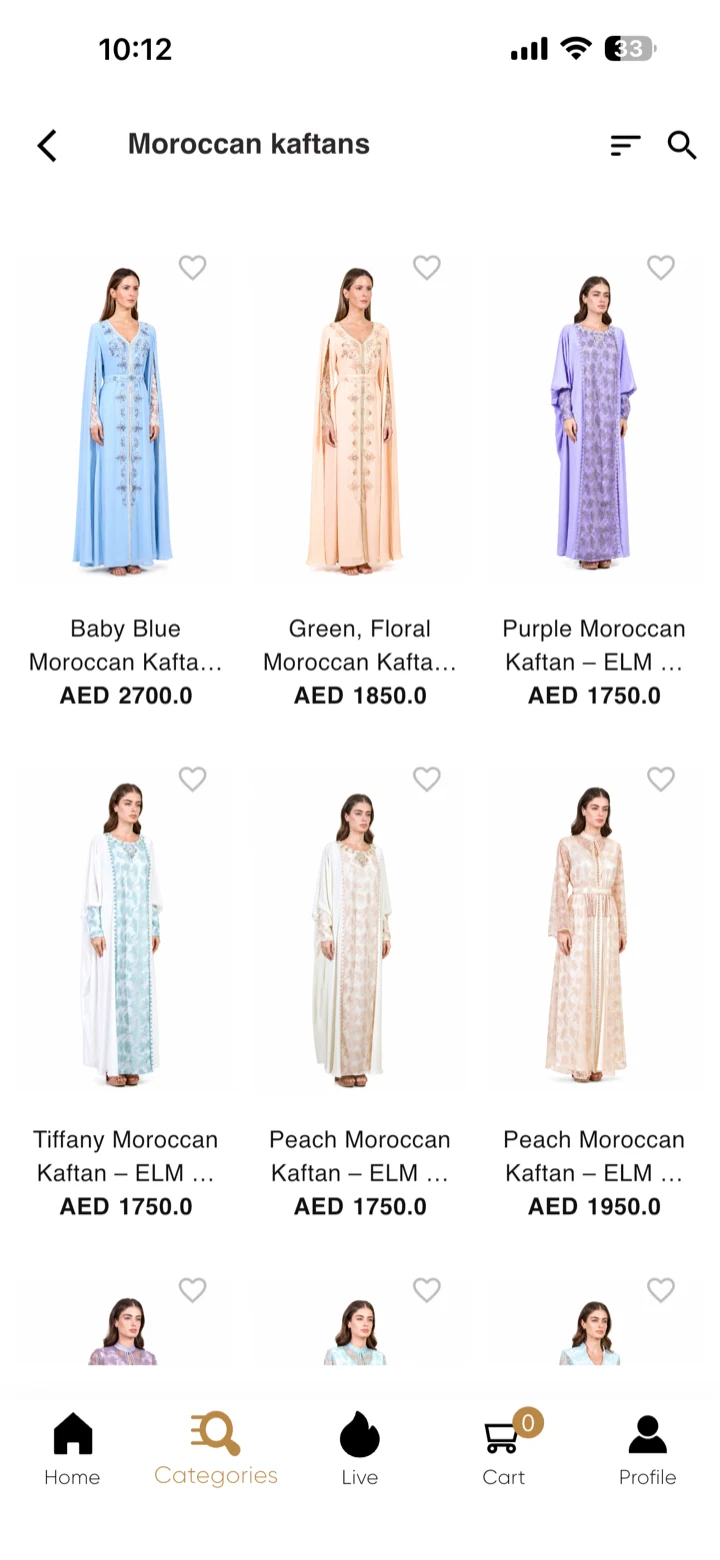
A compact list works for a store with clear departments. A two-column photographic grid works when the product sells itself on sight. A filtered listing with sort and search along the top is what a thousand SKUs actually need.
- Compact list
- Photographic grid
- Filtered listing
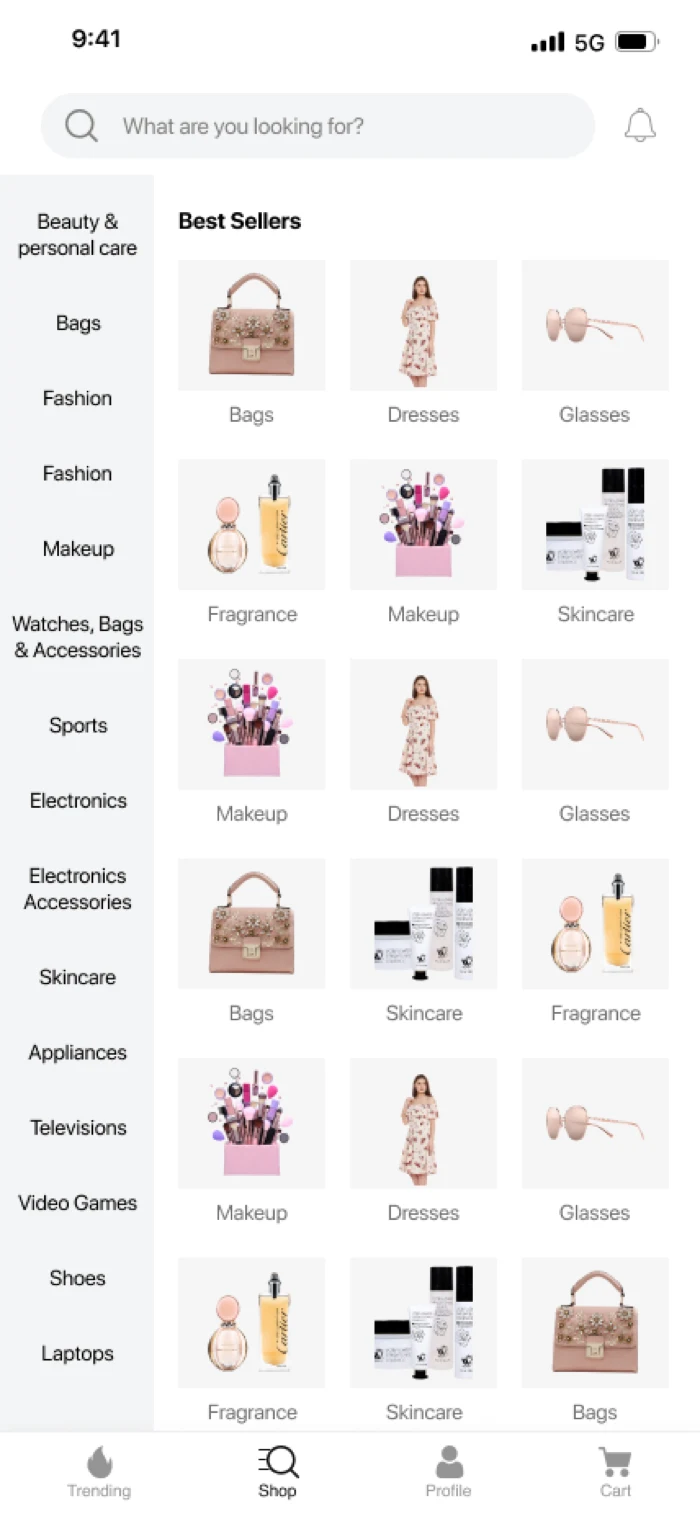
Compact list 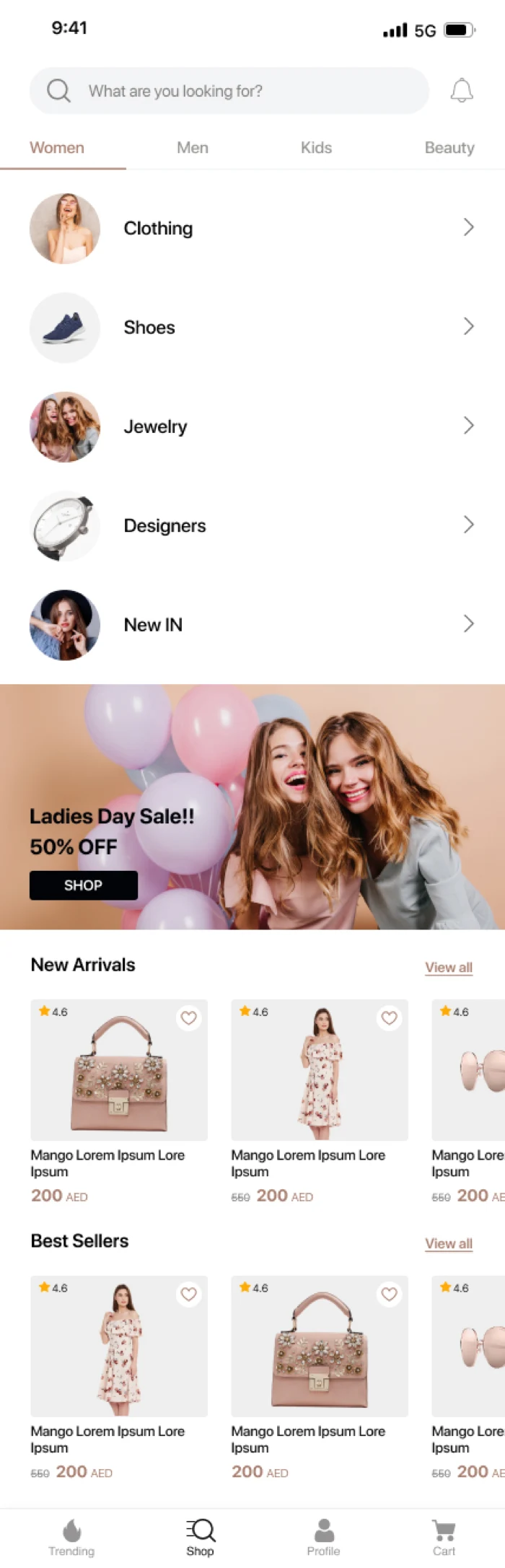
Photographic grid 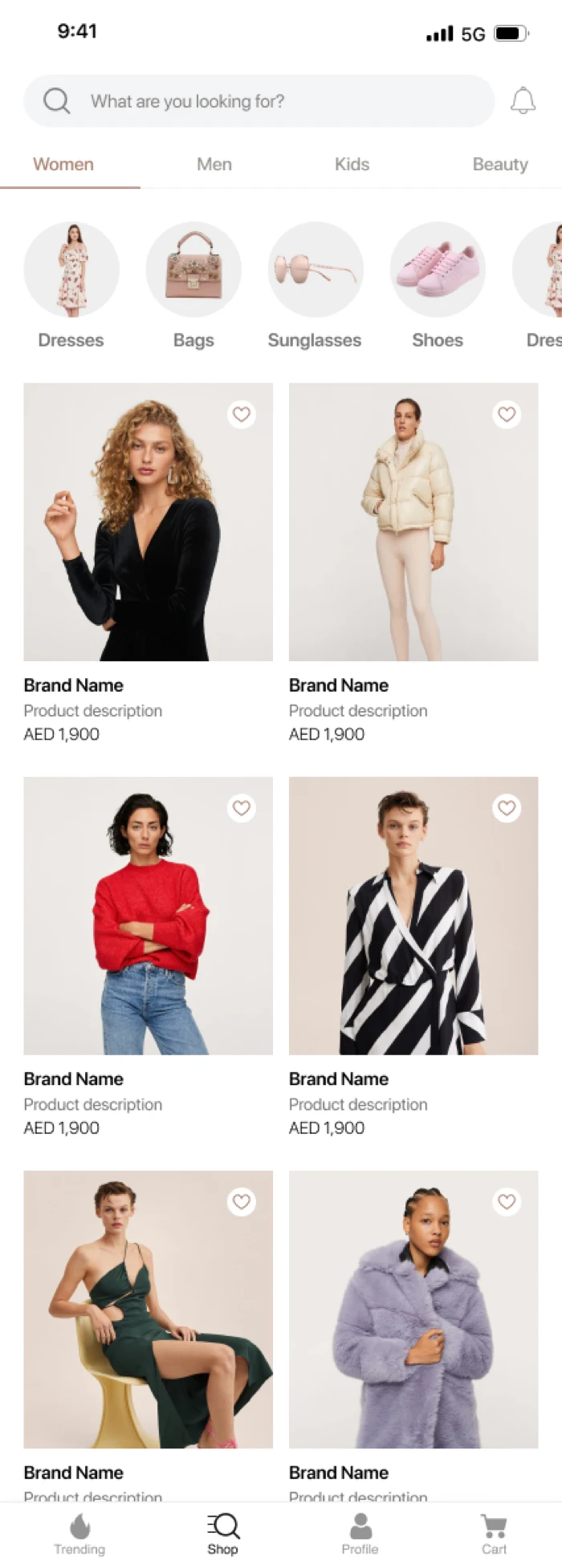
Filtered listing -
04
The product page
Where the sale is won, and where a wrong layout costs money.
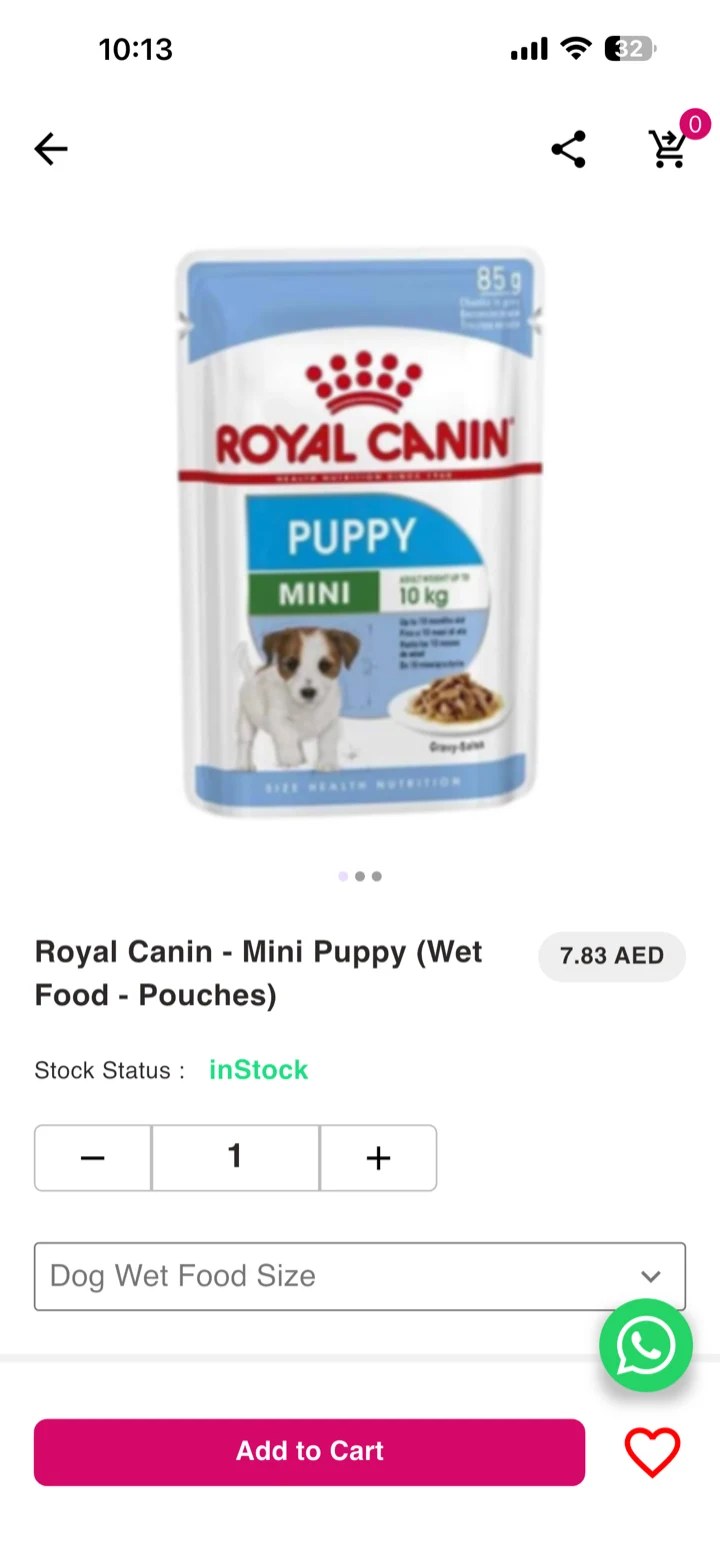
Gallery-first for fashion, where the picture is the argument. Variant-first where size and colour are the decision. Expandable detail for a considered purchase that needs delivery, returns and specification without burying the buy button.
- Gallery and price
- Variant-first
- Expandable detail
- Full-width gallery
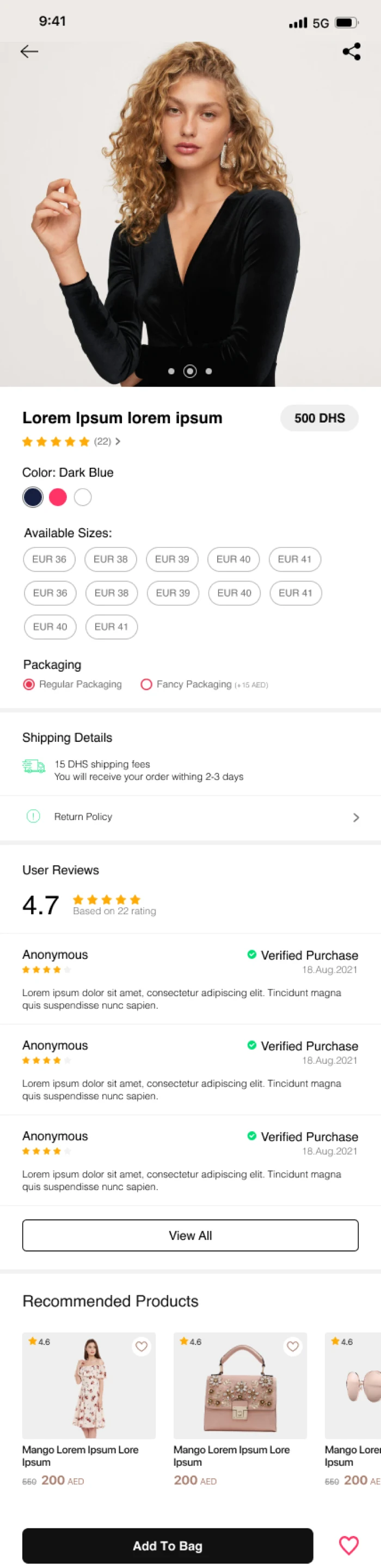
Gallery and price 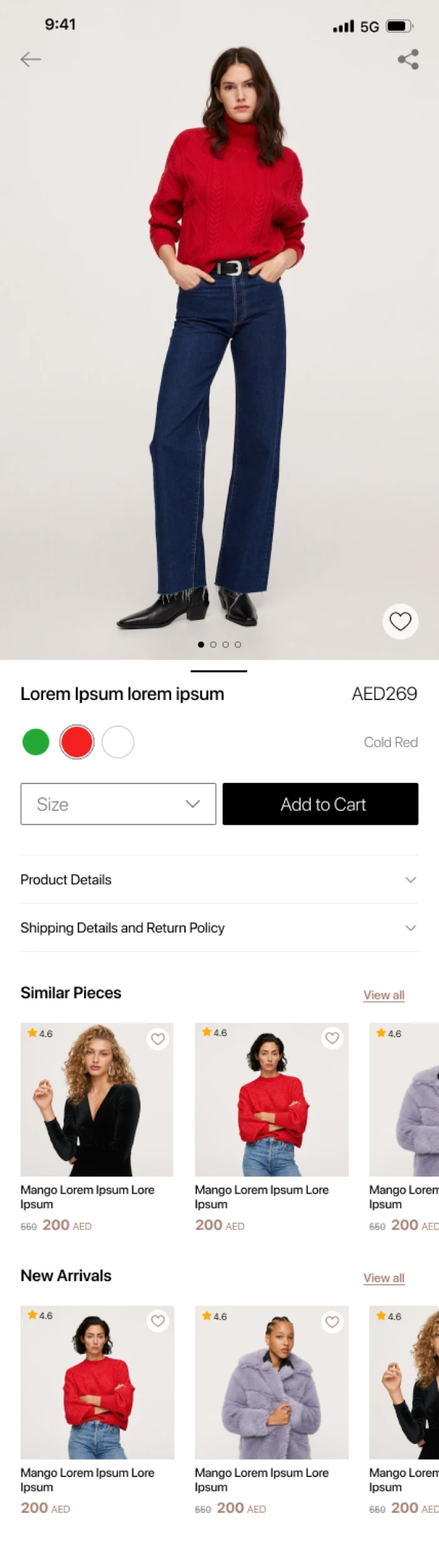
Variant-first 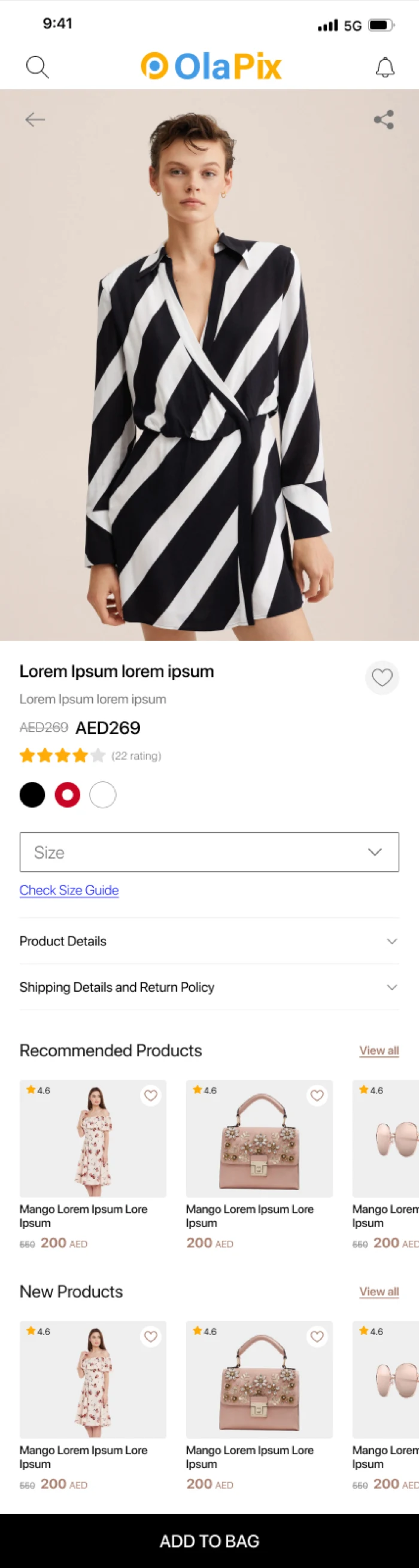
Expandable detail 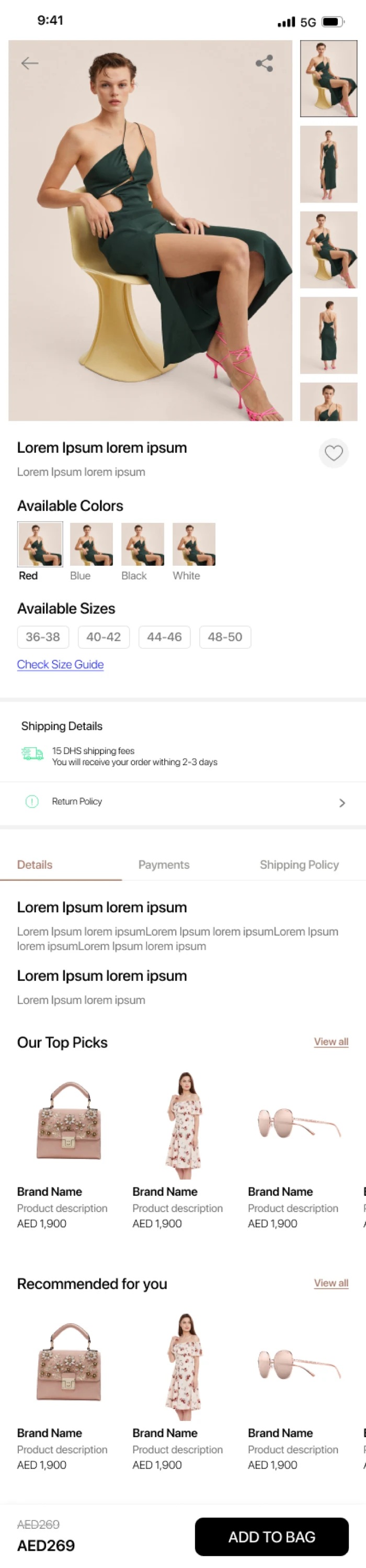
Full-width gallery -
05
Bag and account
The screens nobody designs, and everybody abandons.
A bag that shows the free-delivery threshold before the customer gives up on it. A signed-out state that asks for the account at the right moment rather than the first. Saved addresses, so the second order is faster than the first.
- Shopping bag
- Signed in
- Signed out
- Saved addresses
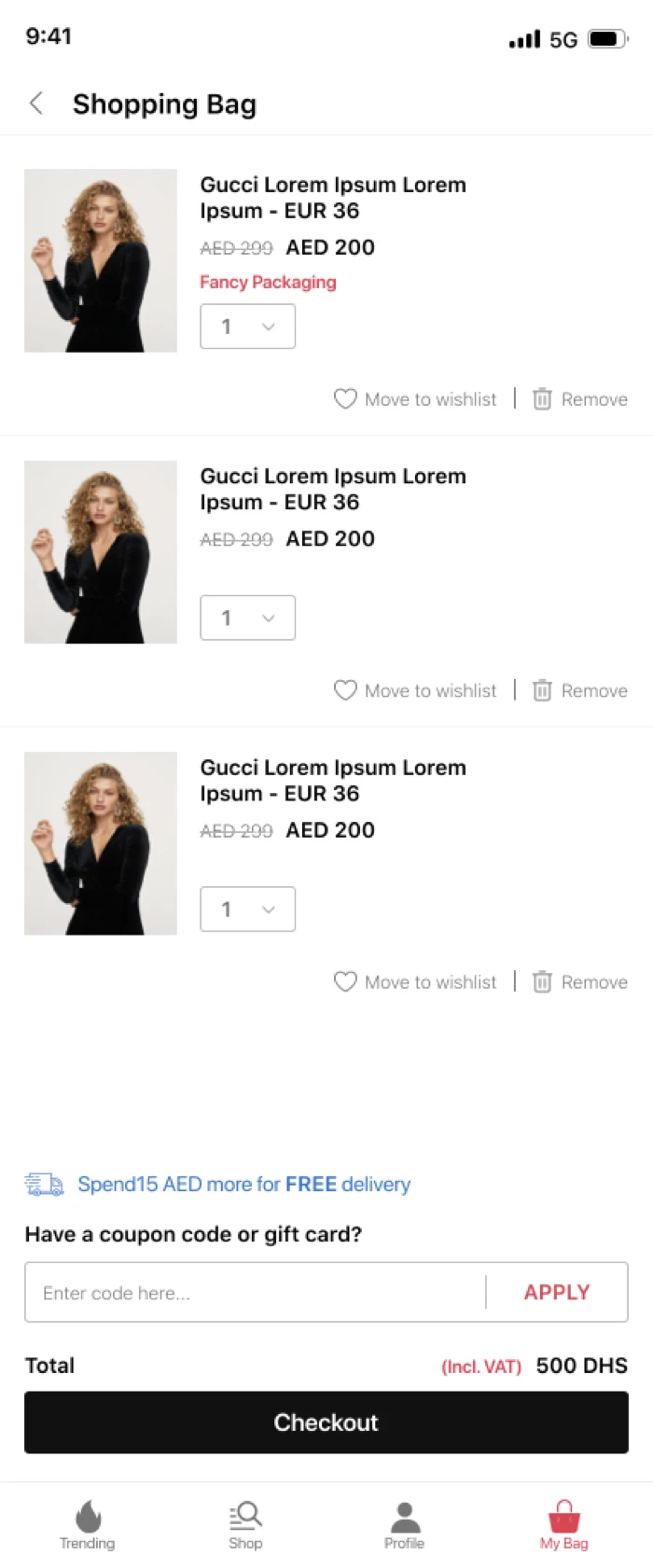
Shopping bag 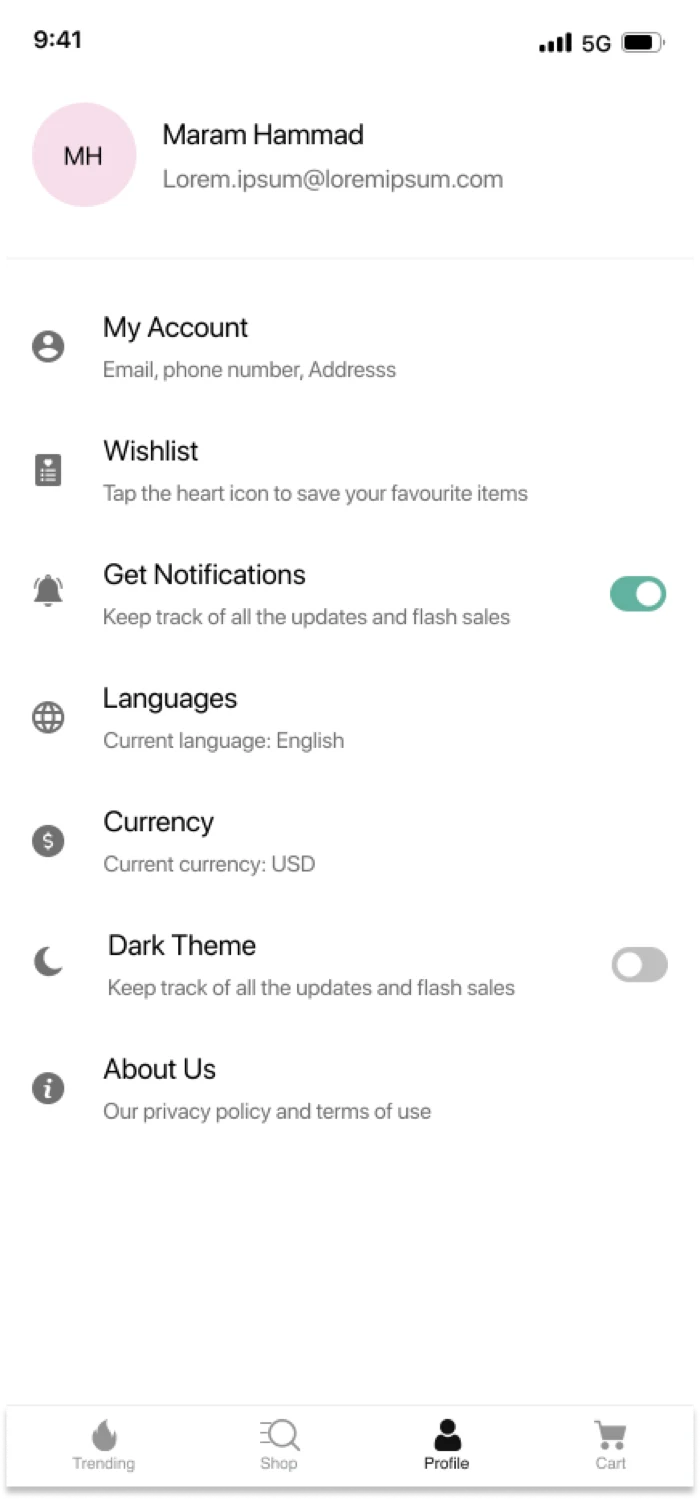
Signed in 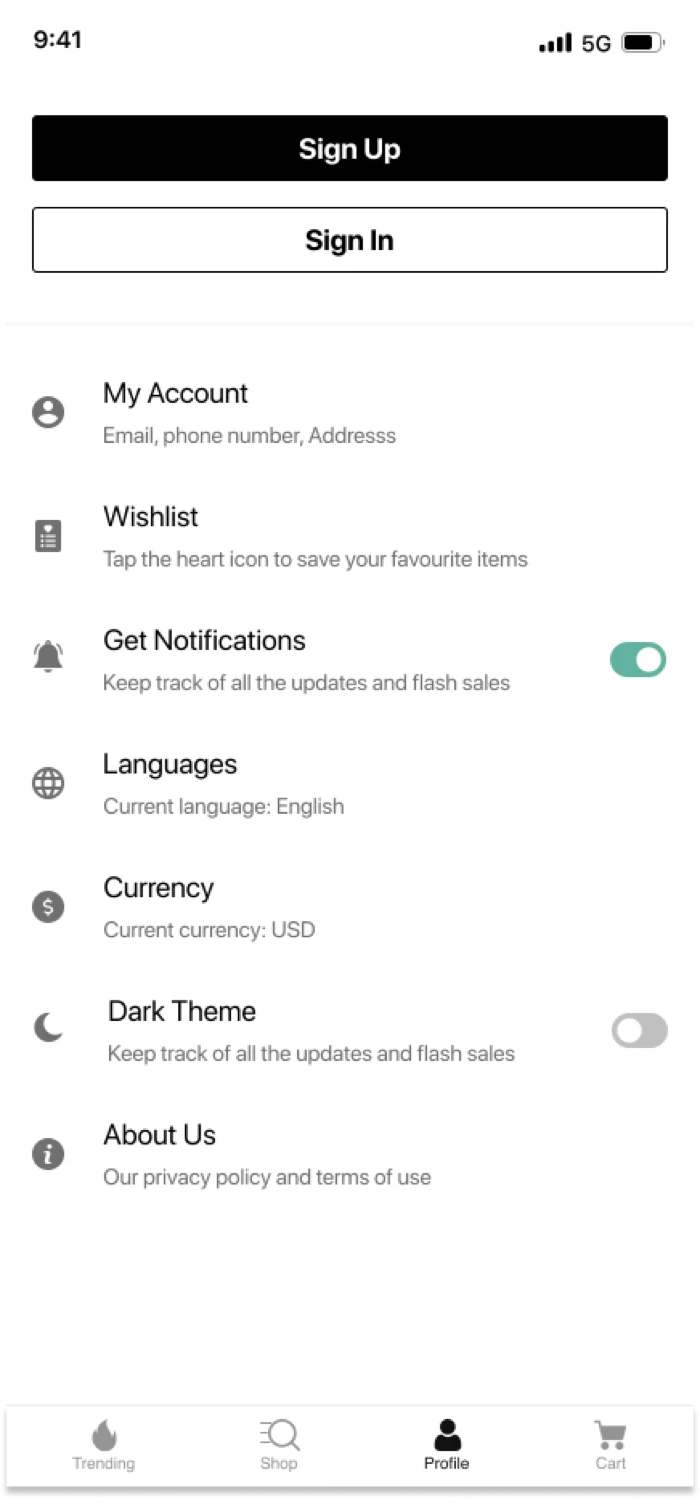
Signed out 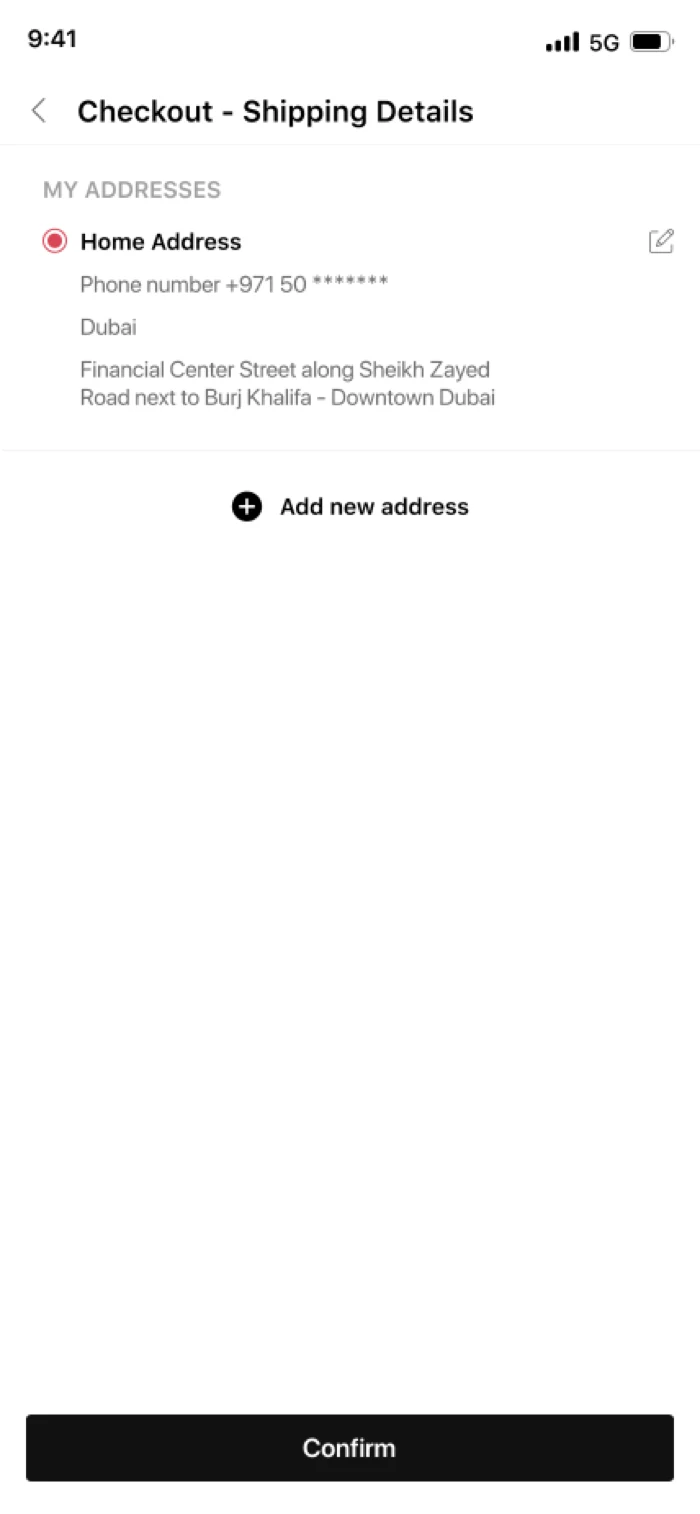
Saved addresses
-
Navigation structure
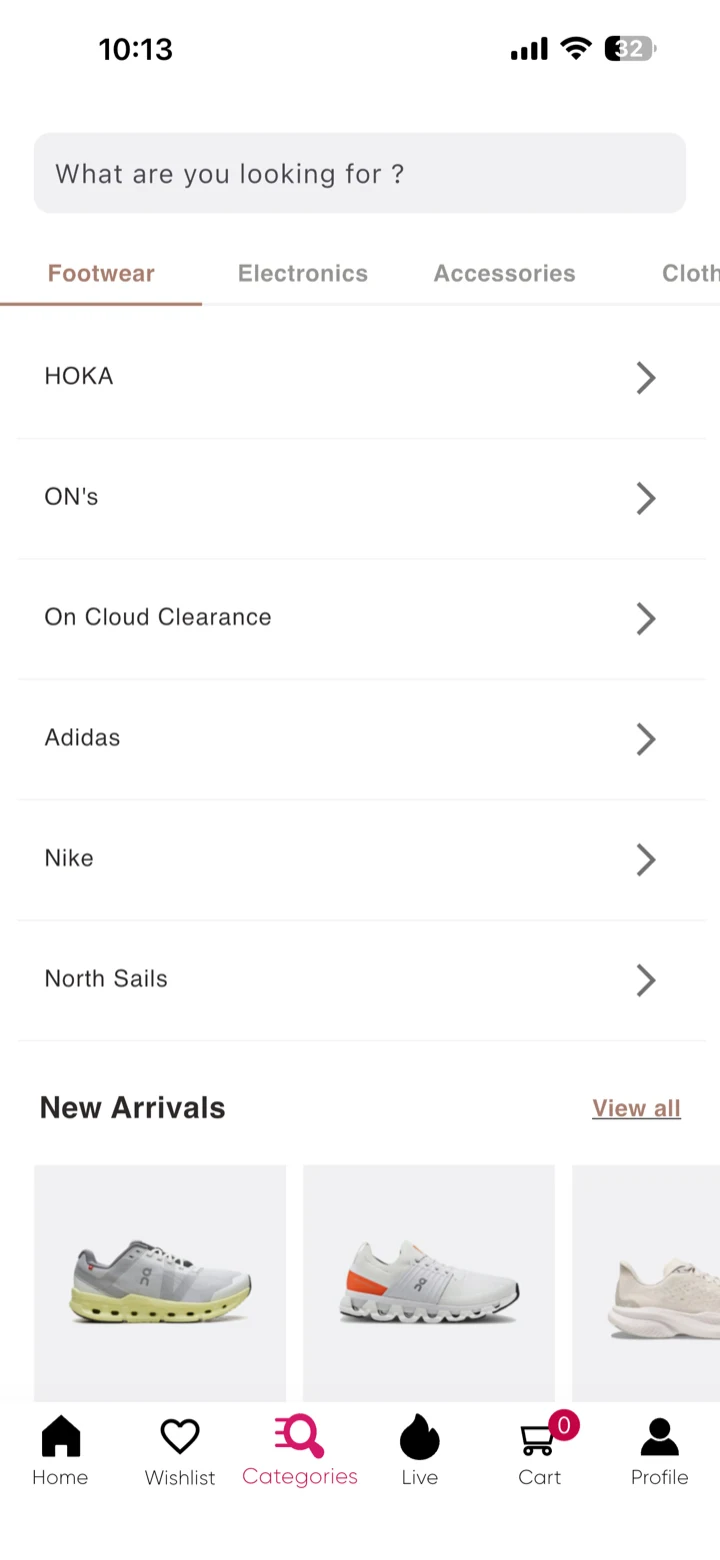
The tab bar and menu your customers already understand, rebuilt for a thumb rather than inherited from a desktop menu.
-
Dynamic sections
Parts of the app that change on their own, so the homepage is not something a person has to remember to update.
-
Multiple premium themes
A starting point that already suits your category, rather than the single layout every store on the platform shares.
04
Discovery and merchandising
How a customer gets from opening the app to holding the right product.
-
Smart collections
Collections that group themselves by the rules you set, so a new product lands in the right place without anyone remembering to file it.
-
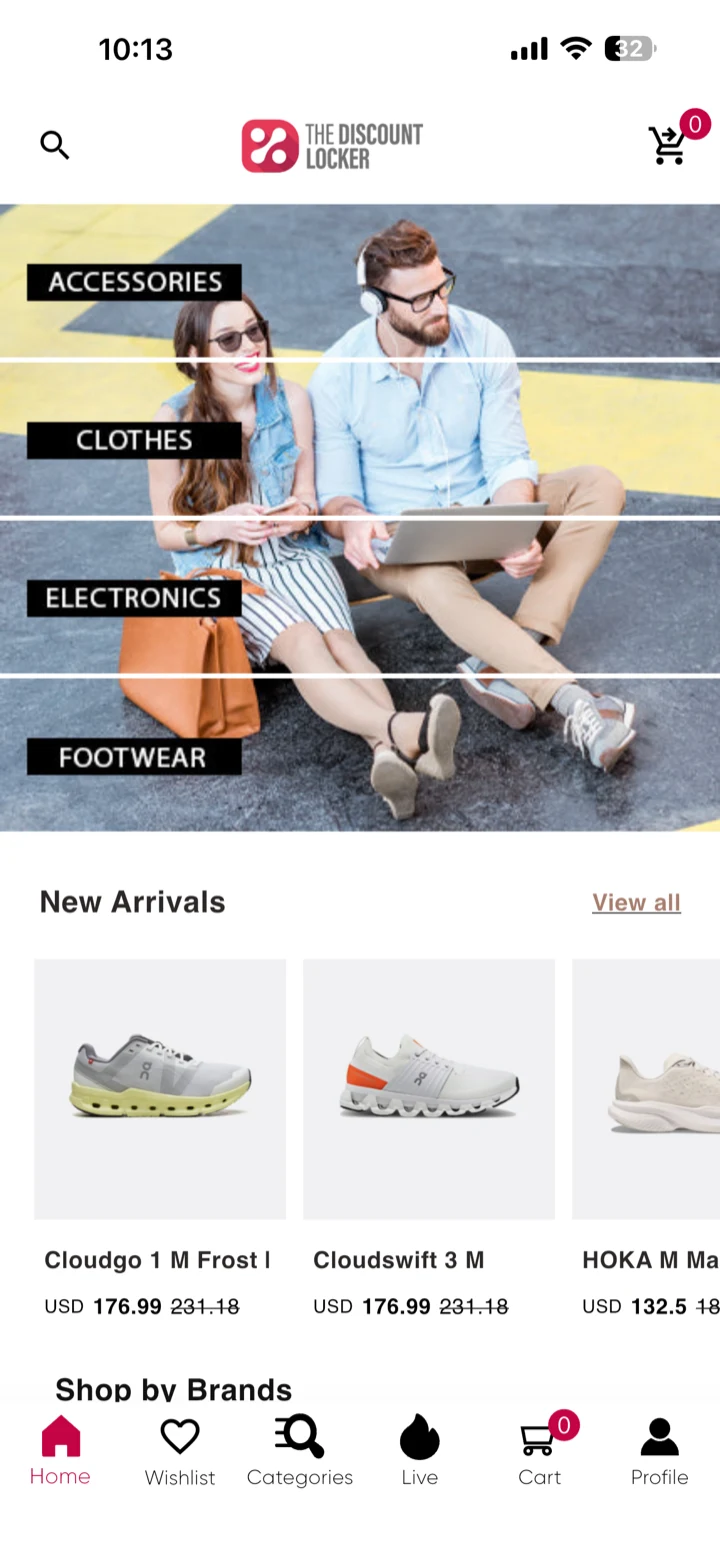
Smart search Live in The Discount Locker
Search that tolerates a misspelling and understands your own category names rather than only exact product titles.
-
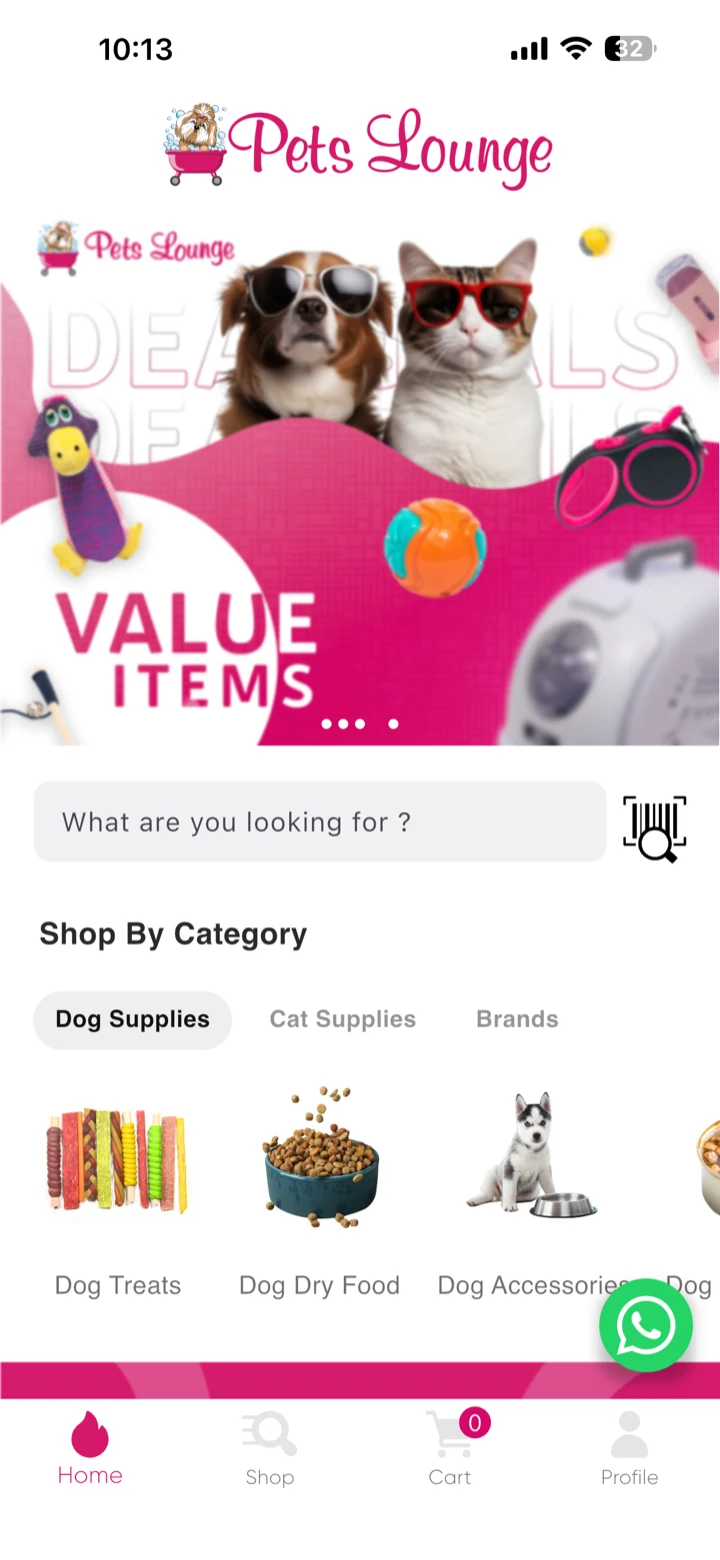
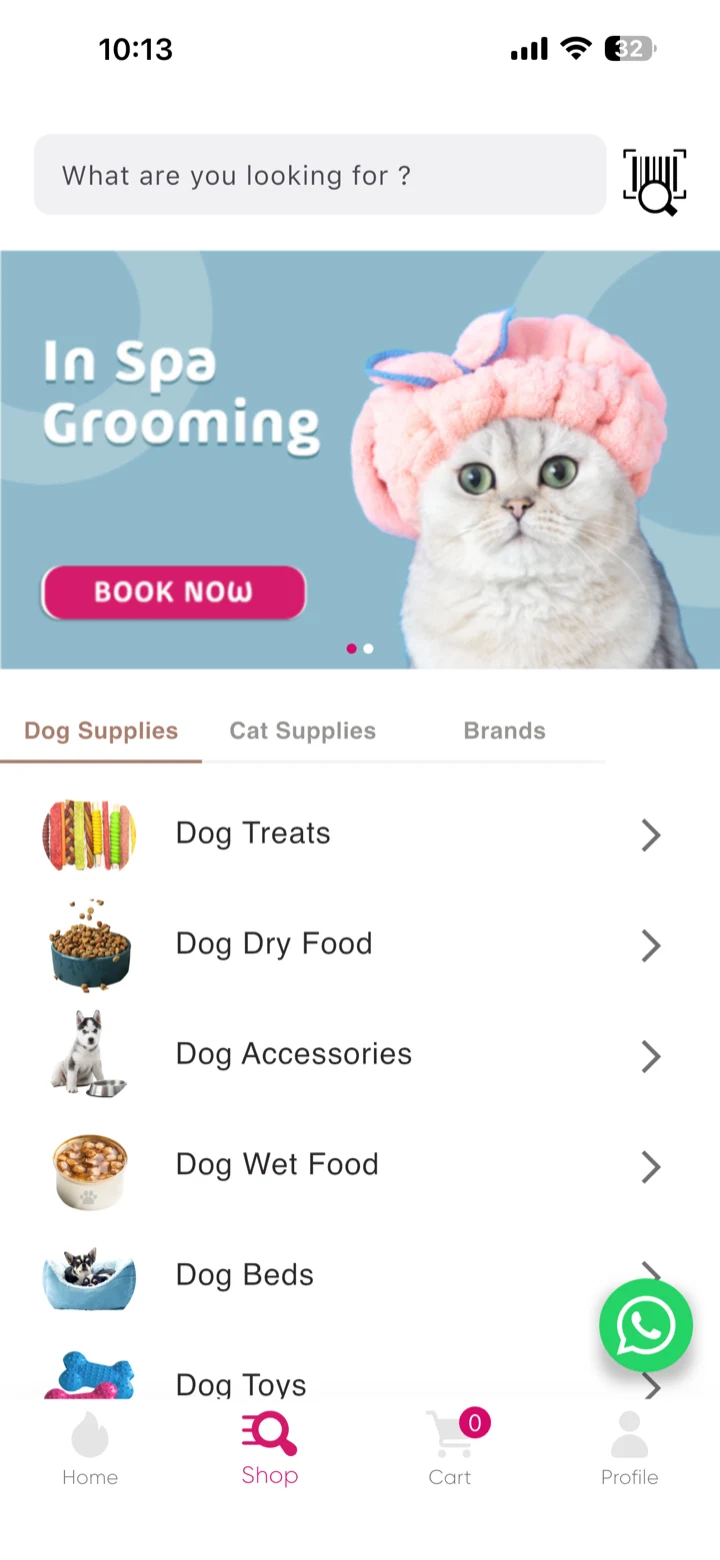
Barcode scan in search Live in Pets Lounge
A scanner built into the search field. A customer holding a product finds that exact item by pointing the camera at it — no typing, and no guessing which of four sizes it was.
-
Product reviews
Ratings and reviews on the product page itself, which is where the decision actually gets made rather than three taps away from it.
05
Reels Commerce
Short-form video shopping, in your own app rather than on somebody else’s platform.
-
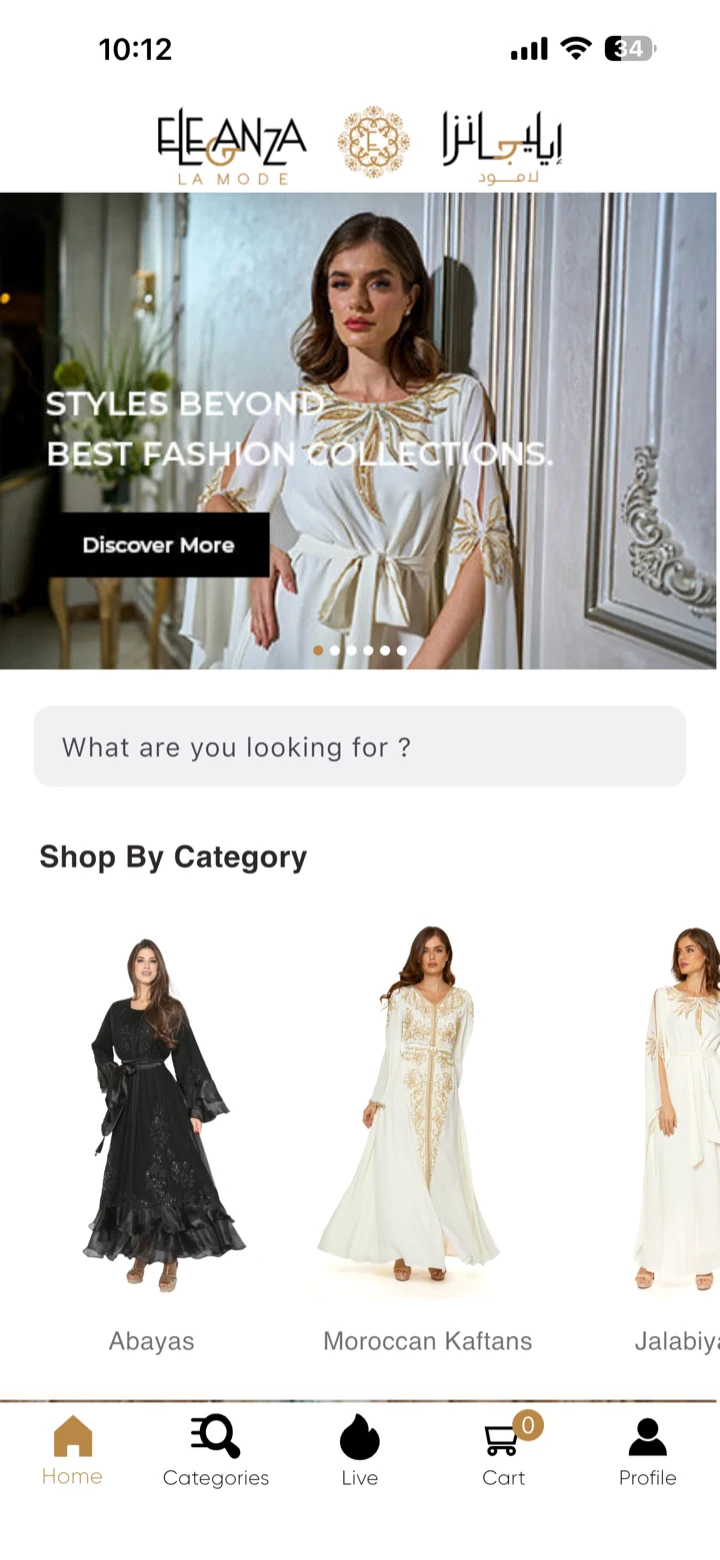
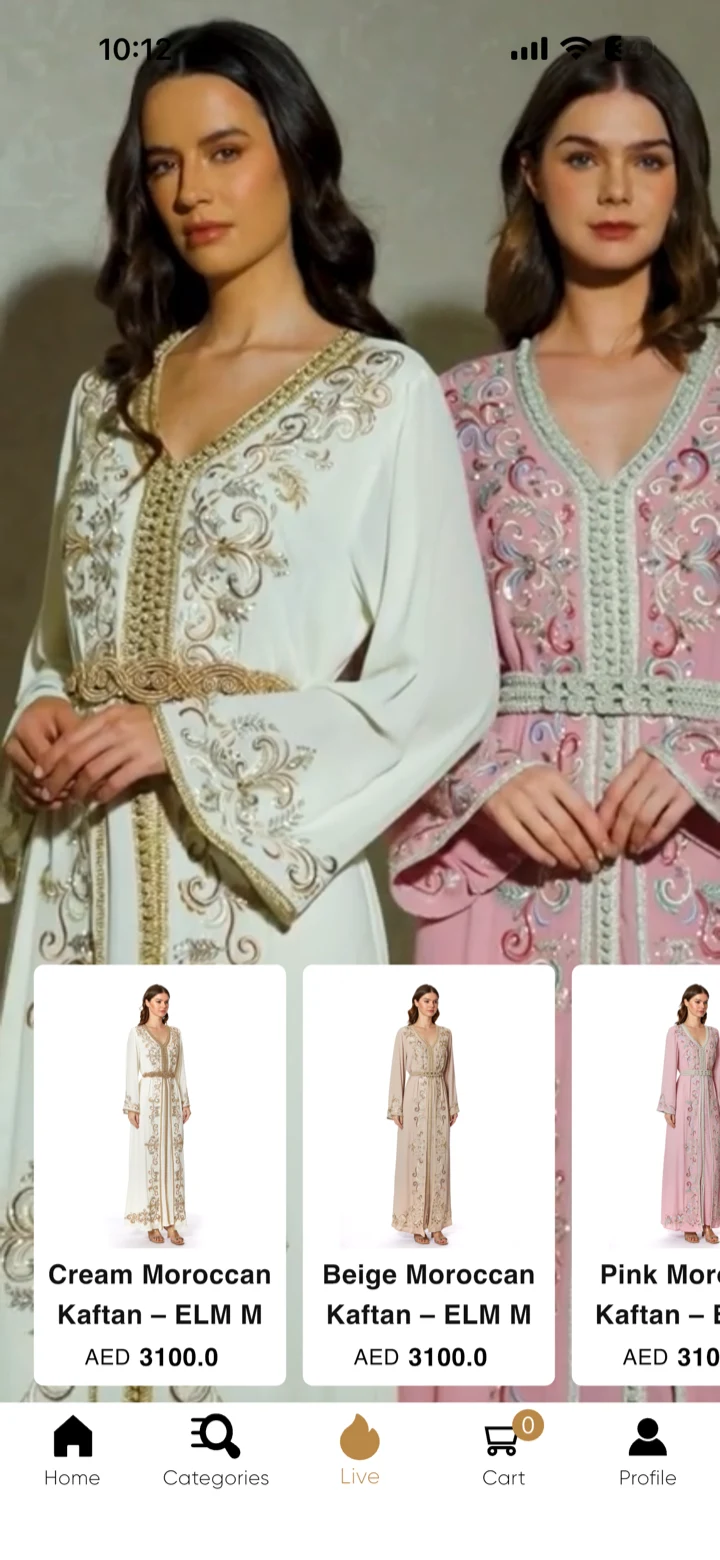
Video shopping feed Live in Eleganza La Mode
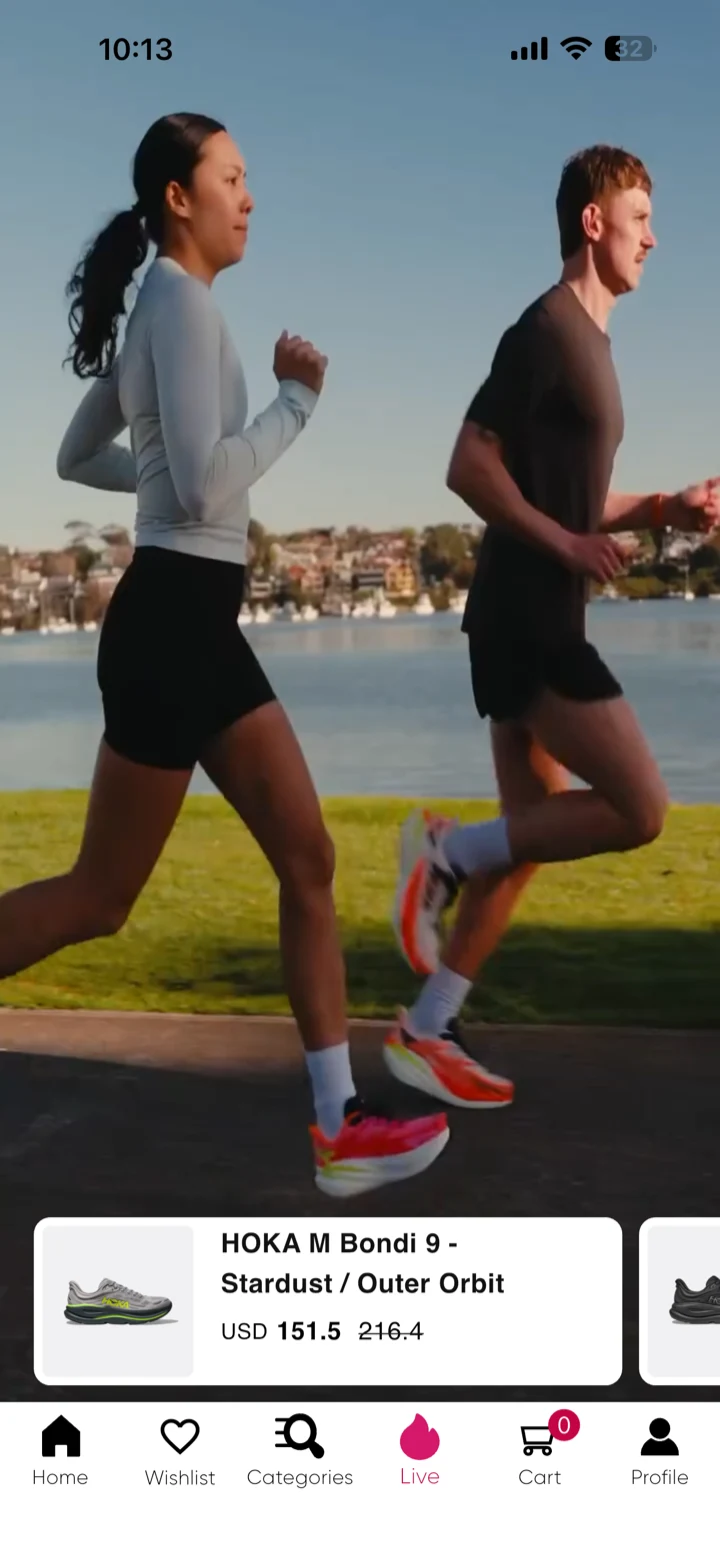
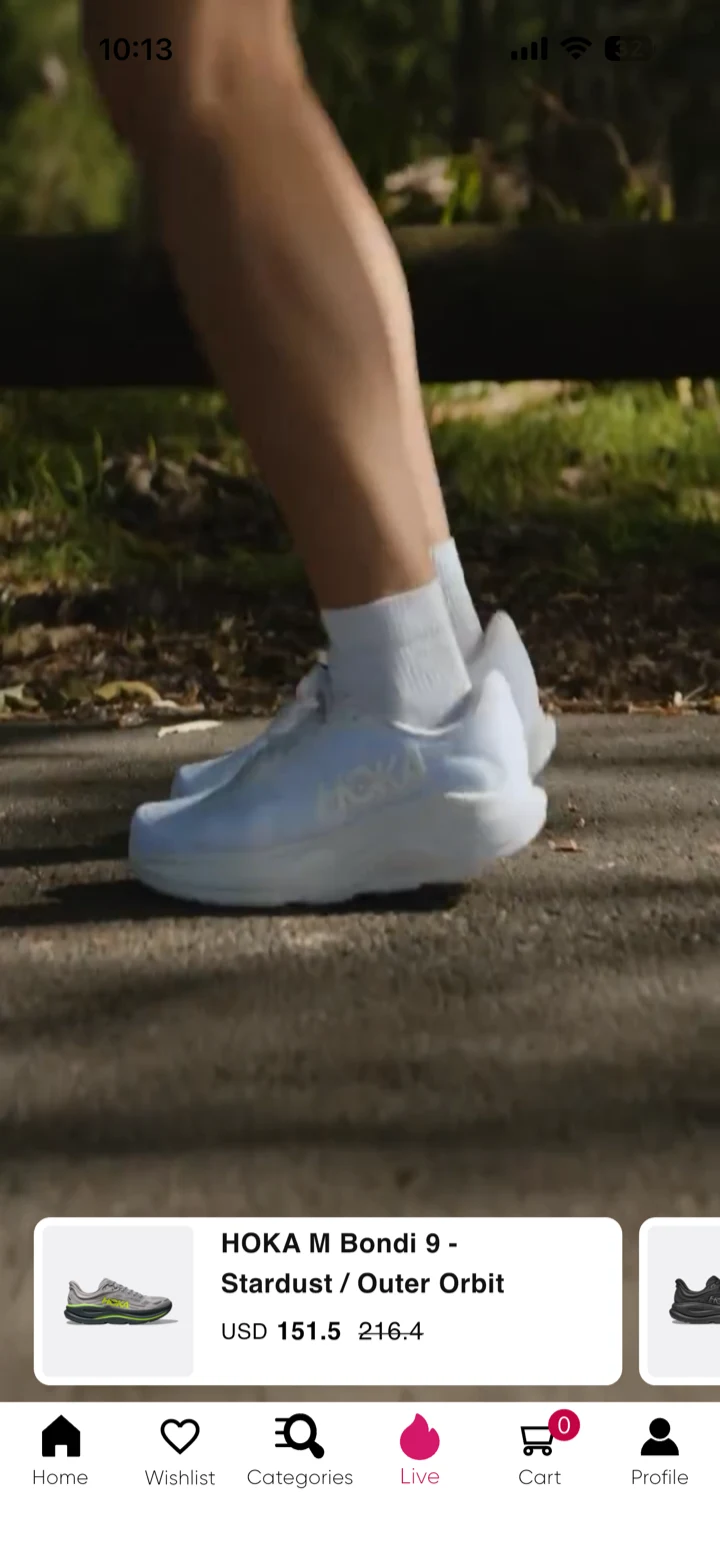
Customers discover products through short-form video — just as they do on TikTok and Instagram Reels — and buy from inside the video rather than leaving it for a product page.
-
Content that sells
The video you already make for social finally has somewhere it can convert, instead of sending traffic to a platform that keeps the customer.
-
Longer sessions
A feed gives a reason to keep scrolling, which is a reason to keep discovering, which is the point of putting one in a shop.
06
Retention and growth
The half a website cannot do at all — bringing the same customer back without paying for them twice.
-
Push notifications
Reach everyone who installed the app at no media cost. A drop, a restock, an offer — written and sent in a minute, down a channel you own rather than rent.
-
Wishlist Live in Eleganza La Mode
The saved item keeps selling between visits, and it is the most useful thing you can build a notification around.
-
Loyalty features
Reasons to come back that do not cost you a discount every single time.
07
Languages and markets
Built for stores selling across more than one language and more than one currency.
-
Multi-language Live in Eleganza La Mode
More than one language, including the layout work each one needs. Arabic beside English is a design pass, not a translation job.
-
Multi-currency
Priced the way each market expects to see it, subject to what your payment gateway supports.
08
Launch and support
What we do, rather than hand back to you.
-
Store submission
We set up the developer accounts, prepare the listings, submit to the App Store and Google Play, and handle the review — including the rejections, which happen to everybody.
-
One year of support
Bug fixes on delivered features and minor adjustments, for a year from delivery. What is and is not included is written down in the terms.
-
Kept running
iOS and Android change every year. Our first app went live in October 2021 and is still receiving updates.
Shopify connected — simple and seamless
No new system. No duplicate work.
Everything stays managed in Shopify.
Simple sync
Products, collections, inventory and orders move across on their own.
- Products
- Collections
- Inventory
- Orders
One dashboard
You keep using Shopify as your main system. Orders from the mobile app appear directly in your Shopify admin, and inventory updates automatically across web and app.
Always up to date
When you update your Shopify store, products update instantly in the app, stock availability stays accurate, and changes reflect automatically.
TikTok-style shopping
Reels Commerce
Turn content into revenue. Customers discover products through short-form video shopping — just like TikTok and Instagram Reels. They watch, they discover, and they buy instantly.
- Higher engagement
- Better product discovery
- More impulse purchases
- Longer session time
- Higher conversion rates
- Stronger retention
The parts that are not on the screen
Four things nobody asks for by name and everybody notices when they are missing.
Performance
A fast Shopify mobile app opens in about a second on a mid-range phone and holds its images on the device, so returning to a screen is not a fresh download. Shopify mobile app performance matters most exactly where it is hardest — an older phone on mobile data — which is also where a mobile website suffers worst.
Analytics
Shopify mobile app analytics that answer the questions worth asking: how many installed, how many allowed notifications, what share of revenue the app produced, and how often somebody comes back. Not a wall of charts nobody opens.
Deep linking
A link to a product opens that product in the app rather than the home screen. Shopify mobile app deep linking is what makes a notification, an email or a shared link land where it was pointing — without it, every campaign loses people at the door.
Product recommendations
Shopify mobile app product recommendations work where there is enough purchase history and guess where there is not. Below roughly a thousand orders we recommend rules you can defend — bought-together, the obvious accessory — over a model guessing in public.
Product pages that answer objections
Shopify mobile app product pages carry the delivery date, the return terms and real scale photography above the fold, because those are the three things that stop a purchase and all three are usually below it.
Optimised for the phone it runs on
An optimised Shopify mobile app is one built for a thumb: navigation in reach at the bottom, tap targets sized for motion, and lists that load as you scroll rather than all at once. How the screens are designed
Which of these matters for your store?
Tell us what your customers actually do, and we will tell you which half of this list is worth paying for.